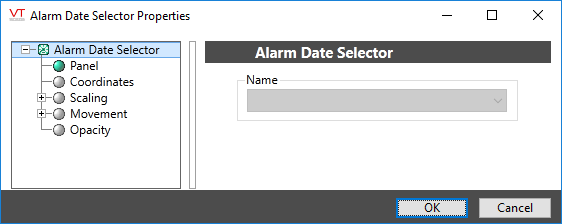
(Legacy) Alarm Date Selector
When viewing alarm history in a legacy Alarm List, you may want to view alarms from some day in the past. Use the Alarm Date Selector to create a button that will open a calendar selector. By selecting a date from the calendar, operators can change the display to show the alarm history from that date. Double arrows at the upper corners of the calendar window allow operators to change the month displayed.
Legacy Alarm List - This button is relevant only in relation to a legacy Alarm List
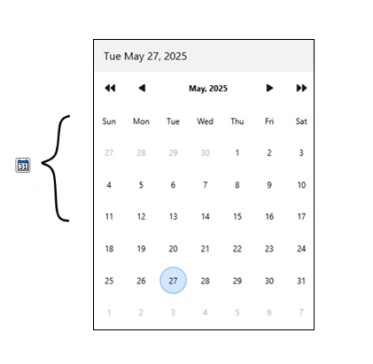
Selecting Sept. 4th, 2009.
A red circle shows the current date. The tool tip for the Alarm Date Selector button will read "Alarm History Selector".
The selection of alarm list is now obsolete.