Configuration of Notes
You can control how notes are displayed and in what order. Click the gear icon at the top of the Operator Notes page to open the options dialog.
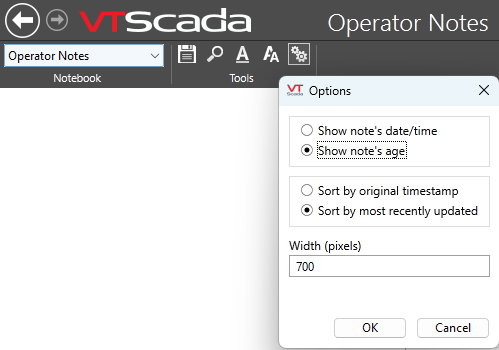
Note configuration options
Rather than limit the display to a given number of characters, the limit is for the number of pixels. The font size that you select, and the width of the characters within your note, will determine how many characters fit into that space.
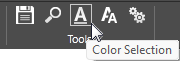
The color selection tool
You also have control over the color used for the note. This will be used on the page for the title of the notebook, the name of the operator who created each note and comment, and for note markers in the Historical Data Viewer (HDV). Notebook color can also be controlled from the pen legend of the HDV.
Notes cannot be edited, but comments can be attached. The option to sort by most recently updated means that the date of the most recent comment on any note is used in place of the date of the original note itself. If a note does not have a comment, its original date is used.
